September 11, 2026
The best split bill app for groups (and why group dinners are different)
Six people at a table. Six different orders. One check. The math alone isn't hard — it's everything around the math that turns a good dinner into a logistical puzzle.
Why group dining hits different (and not in a good way)
Two people splitting a bill is math. Four people splitting a bill is a negotiation. Six or more people splitting a bill is a small social crisis with a receipt attached.
Everyone ordered differently. One person had apps and wine. One person had just an entree. The two people in the corner shared a bottle. Someone bailed on dessert; two others went for it. At some point a birthday shot appeared and nobody is quite sure who ordered it.
"Let's just split it evenly" is the most expensive phrase at any group dinner. The salad-and-sparkling-water person ends up covering the ribeye crowd's bar tab, and everyone knows it, and nobody says anything, and the group chat that evening is tense.
The real problem isn't math. It's coordination under social pressure, at a noisy table, right when everyone wants to leave.
What makes a good split bill app for groups
Not all splitting apps handle larger groups well. Here's what actually matters when you're feeding six, eight, or ten people:
Item-level splitting. Equal splits don't work for uneven orders. The app needs to let each person claim what they ordered, not just divide the total.
Scan instead of type. Typing out every line on a 20-item check, at a table, while people are getting up to leave, is a recipe for errors. A receipt scan that reads the items automatically is the difference between a 60-second close and a five-minute ordeal.
No setup required. If everyone at the table has to download and create an account before the split can start, you'll be at the restaurant until midnight. The best group bill-splitting apps require exactly one person to do the work.
Tip and tax handled automatically. This is where most manual splits go wrong. Tip on pre-tax or total? Does each person pay tax on their items or is it divided equally? The app should handle this so nobody has to argue it out loud.
TipSplit checks all four. One person scans the receipt. Each person at the table taps their items on a shared view. Tip, tax, and totals are automatic. Everyone sees a clean number. Done.
How to split a bill with 6 people (step by step)
Here's the actual flow at dinner:
- Check arrives. One person opens TipSplit and scans the receipt.
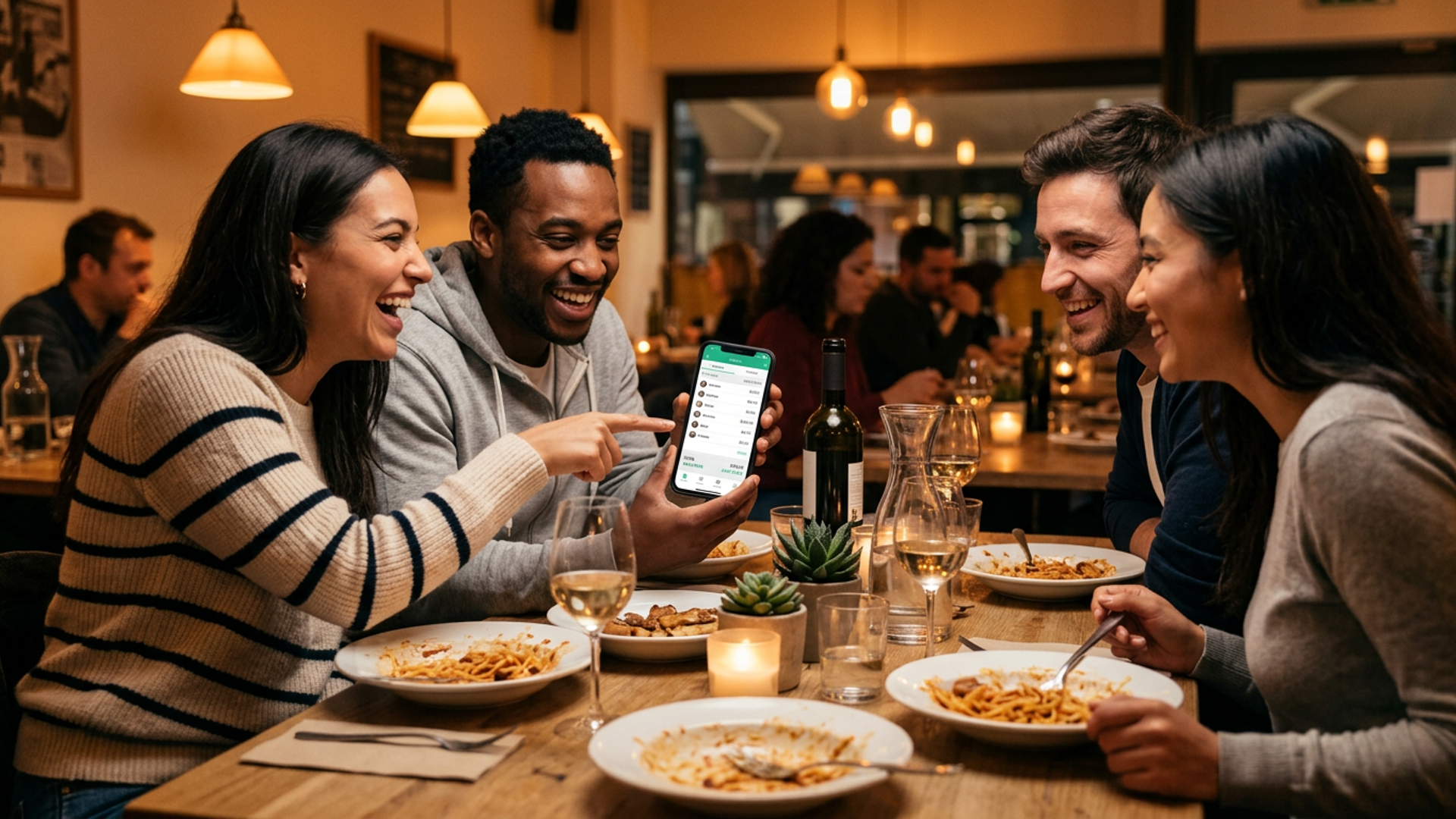
- Items appear on screen. Pass the phone around, or use the share link so everyone pulls it up on their own.
- Each person taps what they ordered. Shared items get split between whoever had them.
- Set the tip percentage. TipSplit calculates it correctly on the pre-tax subtotal.
- Each person's total appears instantly. Pay however your table pays: Venmo, cash, transfer.
The whole thing takes under two minutes. No calculator, no mental math, no group chat follow-up at 11pm.
For groups of 4 or more, grab an Event Pass ($0.99) before you scan. It unlocks one dinner with unlimited participants. No subscription. For regular group dinners, Monthly Pro ($3.99/month) gives you unlimited use every time, plus receipt history and multi-currency support.
The free tier covers any dinner with 2 or 3 people, no account needed.
Large groups: the one rule that saves everyone
The single person who opens TipSplit is the one doing the work. Everyone else just sees what they owe. You don't need eight phones open, eight accounts, or eight people learning a new app in real time.
This matters more than most people realize. Coordination cost in a group scales fast. One person handling the logistics so everyone else can focus on their drink is the design decision that makes TipSplit actually usable at a table of eight.
Frequently asked questions
What's the best app to split bills with friends?
TipSplit is built specifically for the table. It reads receipts by scan, handles item-level splits so each person pays for what they ordered, and calculates tip and tax automatically. The free tier works for 2 or 3 people; a $0.99 Event Pass covers any size group for one dinner.
Is there a free bill splitting app for large groups?
TipSplit's free tier covers splits up to 3 people. For groups of 4 or more, a one-time Event Pass costs $0.99 per dinner. Monthly Pro ($3.99/month) gives you unlimited participants at every meal. There's no subscription required to use it once.
How do you split a bill with 6 people without the math getting messy?
The fastest way is a receipt scan with TipSplit. One person scans the check. Items appear on screen. Each person taps their order. Tip and tax calculate automatically. Everyone gets their number in about 60 seconds. No group-text follow-up, no Venmo math at midnight.
Do all 6 people need to download the app?
No. One person scans the receipt and handles the split. Everyone else sees what they owe through a shareable summary. The person running TipSplit does the work; the rest of the table just pays their number.